Description
- Luminous Flux: 249-2000
- Hign-concerned Chemical: None
- Is Smart Device: Yes
- Power Generation: Switch
- Is Batteries Included: No
- Model Number: LED Neon Strip Light
- LED Chip Model: SMD2835
- Certification: ce,EMC,ROHS,UL
- Power Source: AC
- Origin: Mainland China
- Strip type: Flat 3-wire
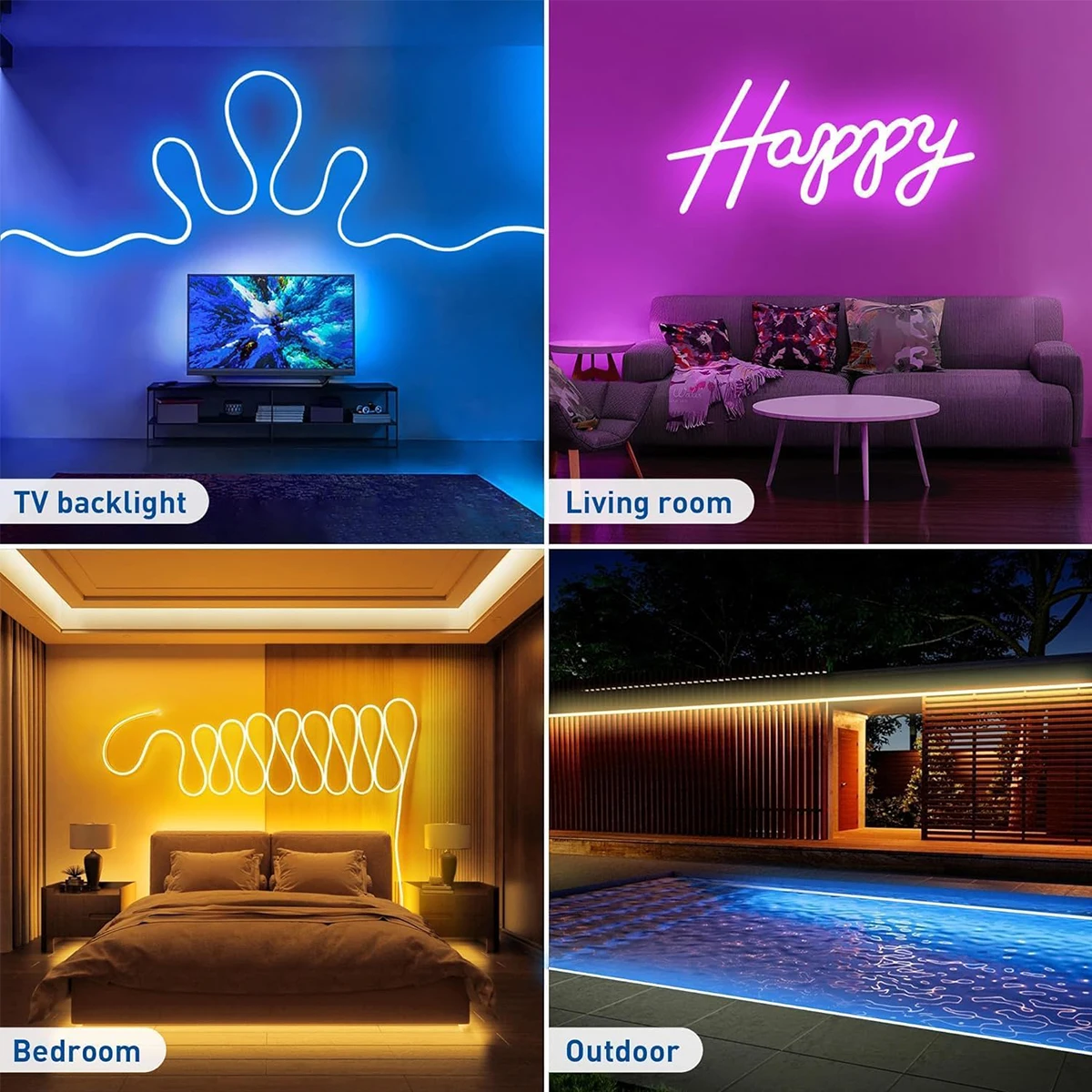
- Occasion: LIVING ROOM
- Specifications (light beads / m): 33
- Item Type: Strip
- Brand Name: WELPUR
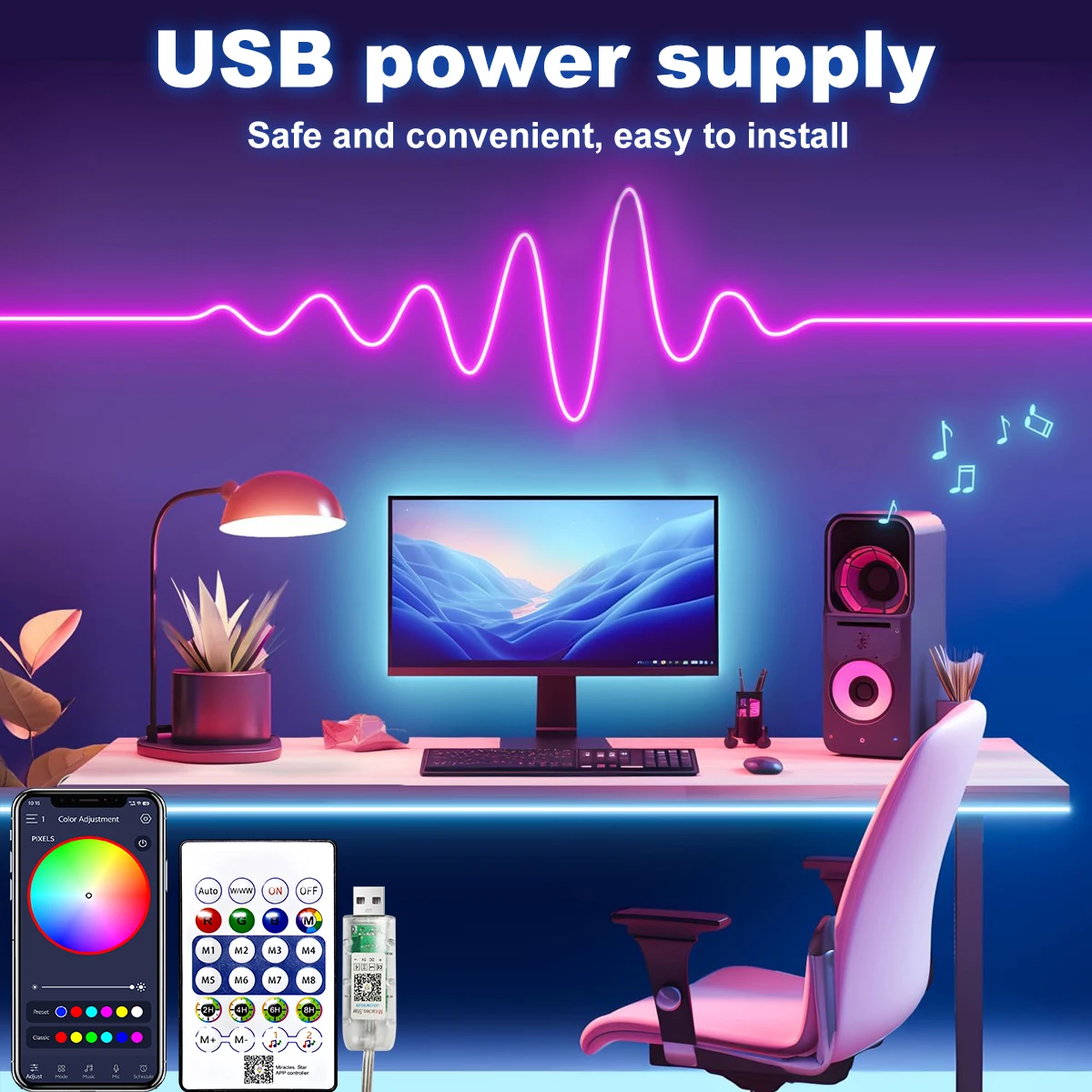
- Voltage: 5V
- LEDs Number/M: 33LED
- LED Chip Brand: Edison
- Waterproof: Yes
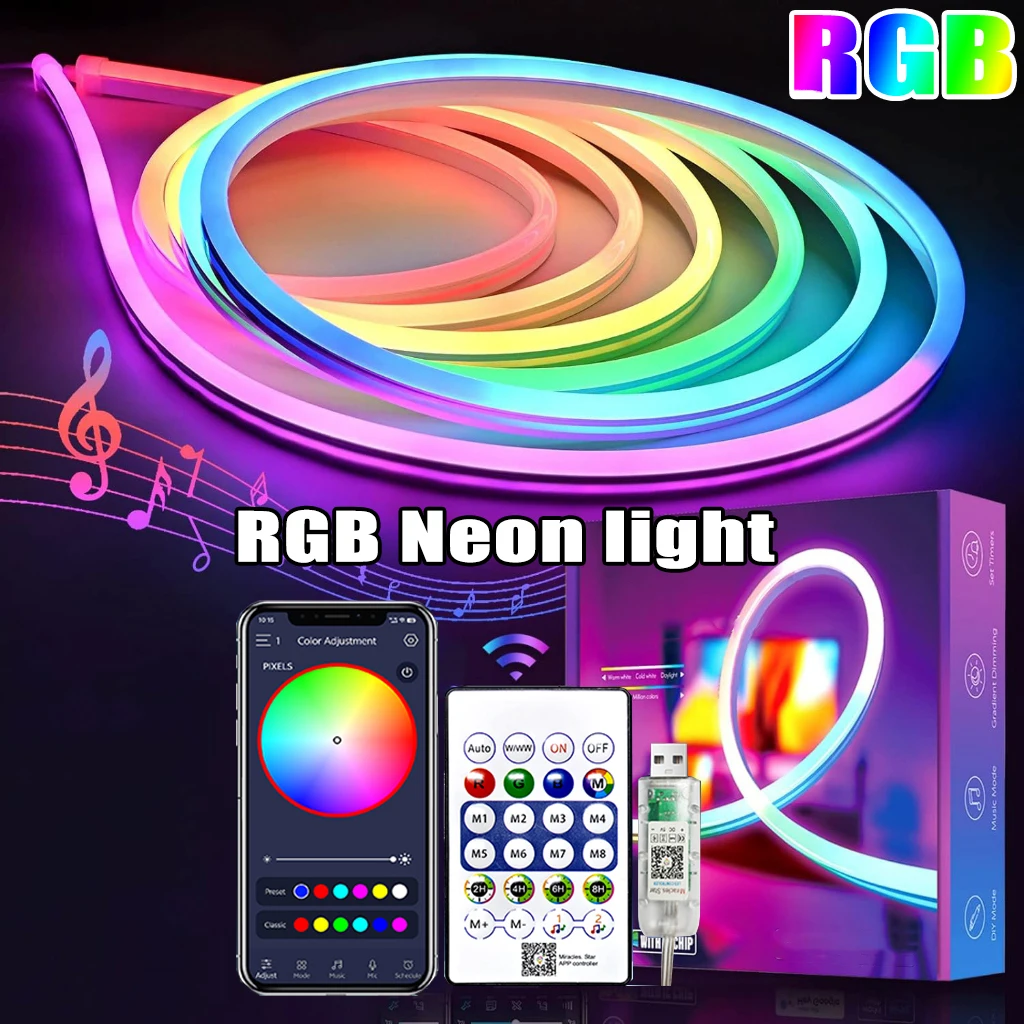
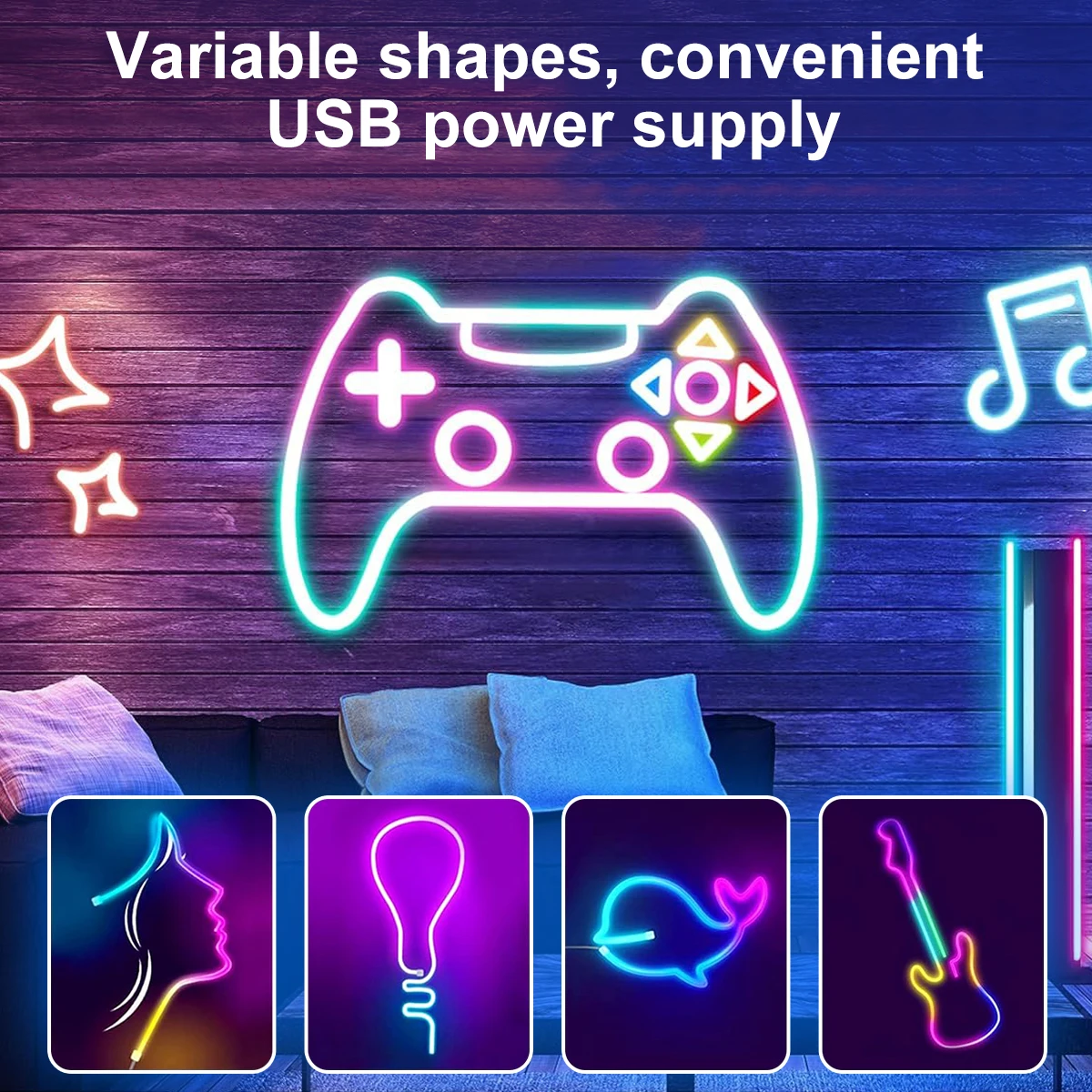
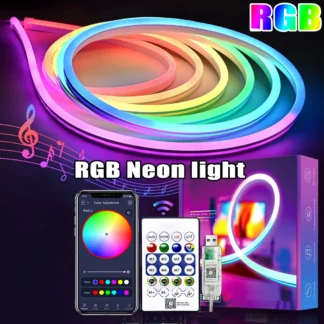
- LED Neon Strip Light: 5V RGB Neon Strip Light
- LED Neon Strip Light 2: 1M 2M 3M 5M
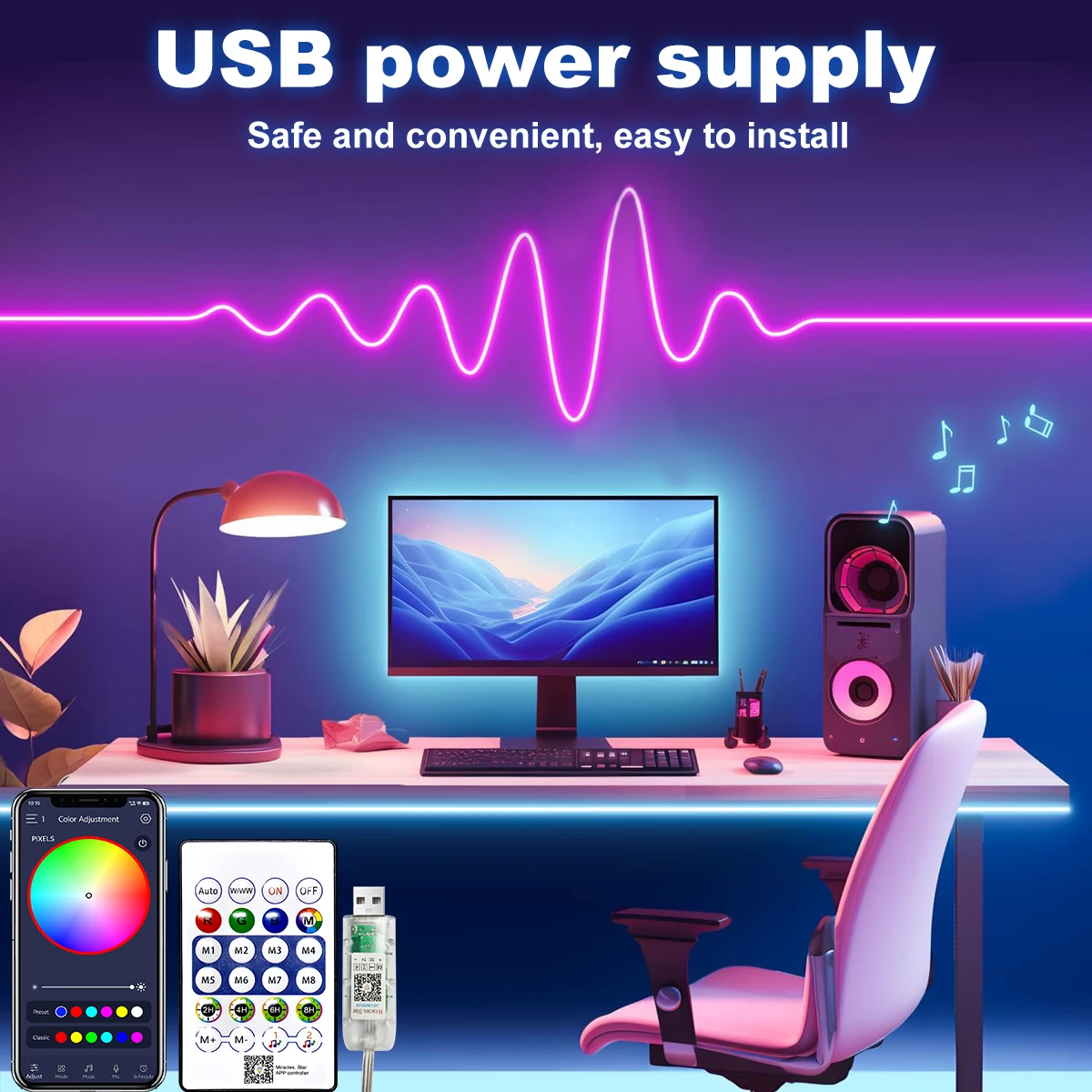
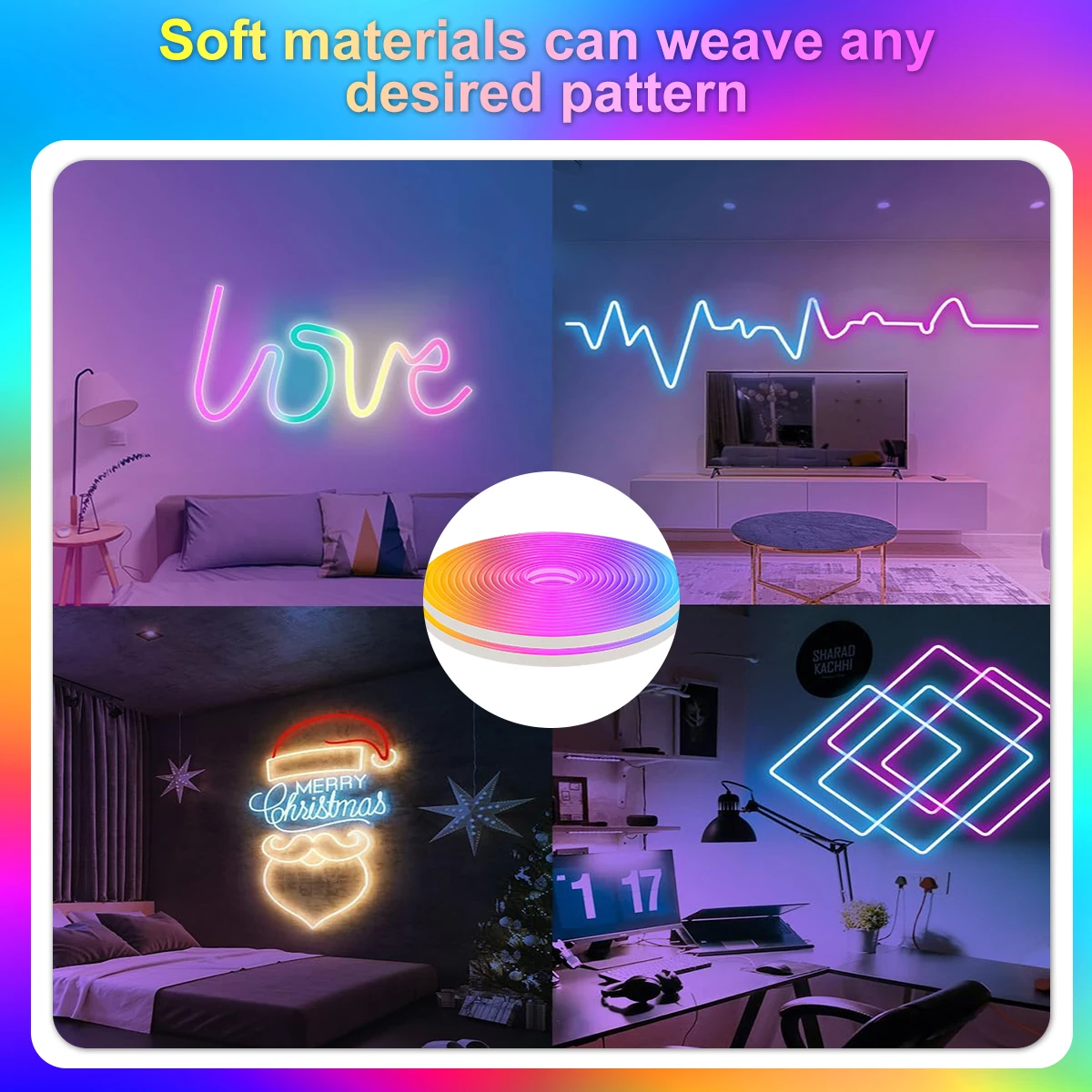
- LED Neon Strip Light 3: USB Waterproof Flexible Ribbon Tape Neon Lights
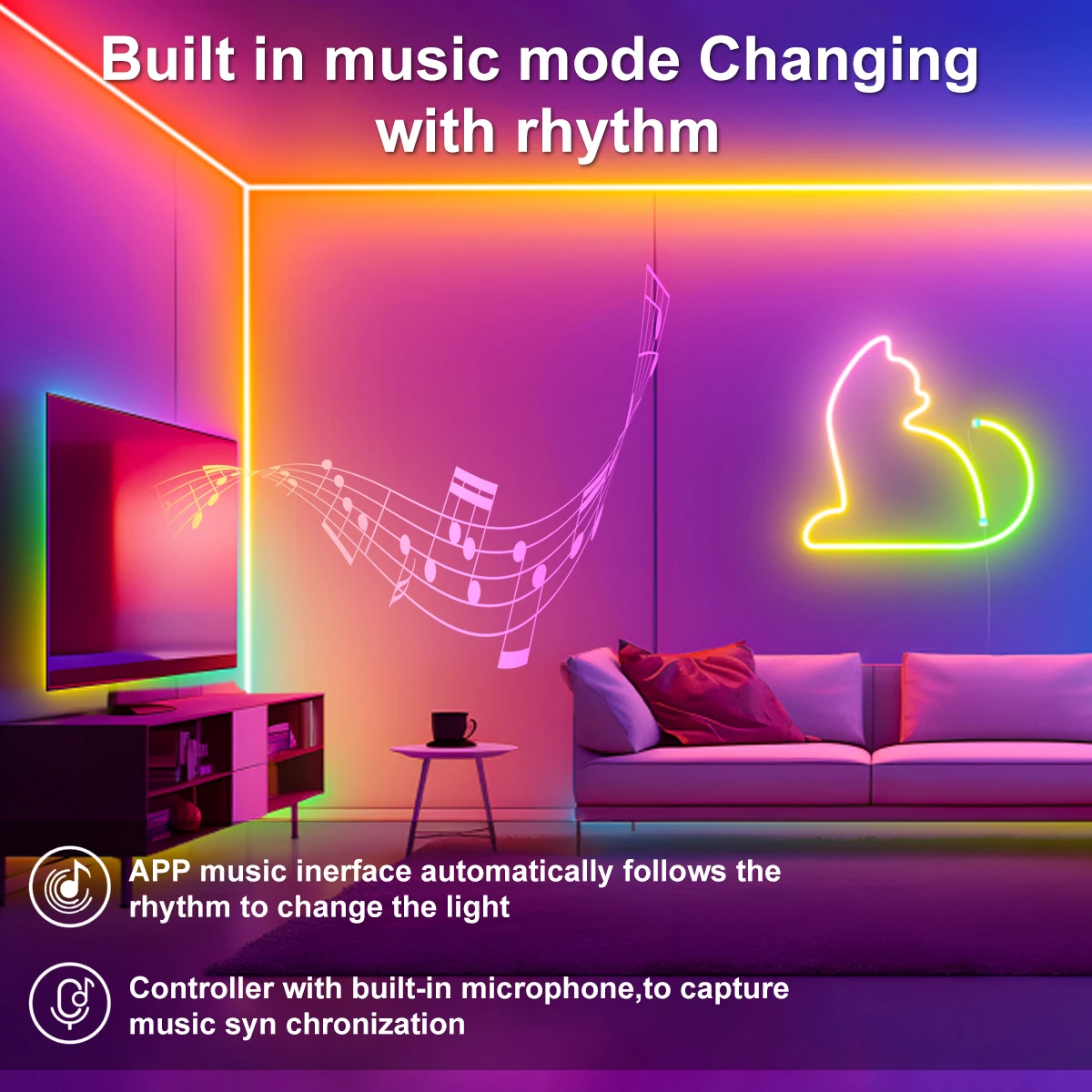
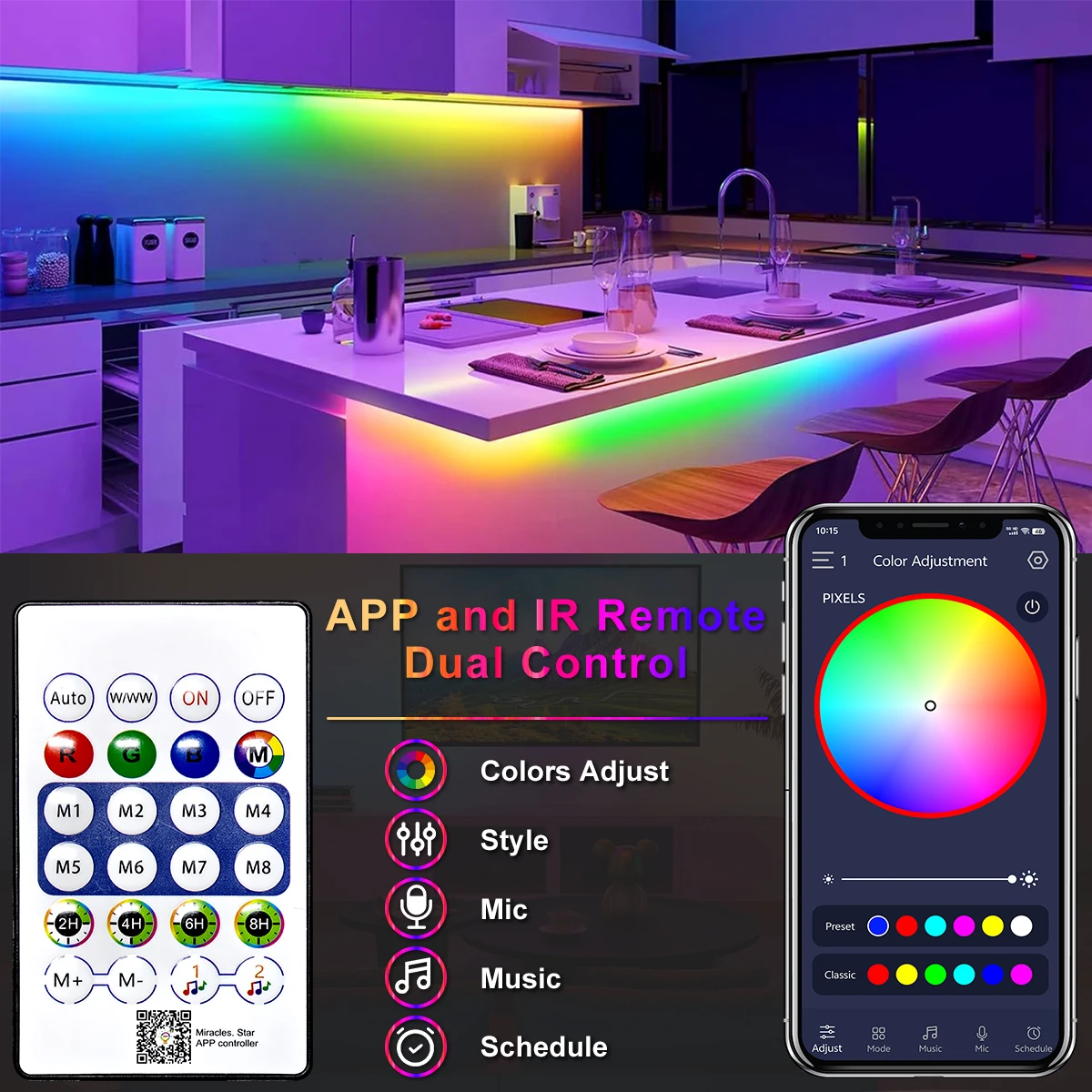
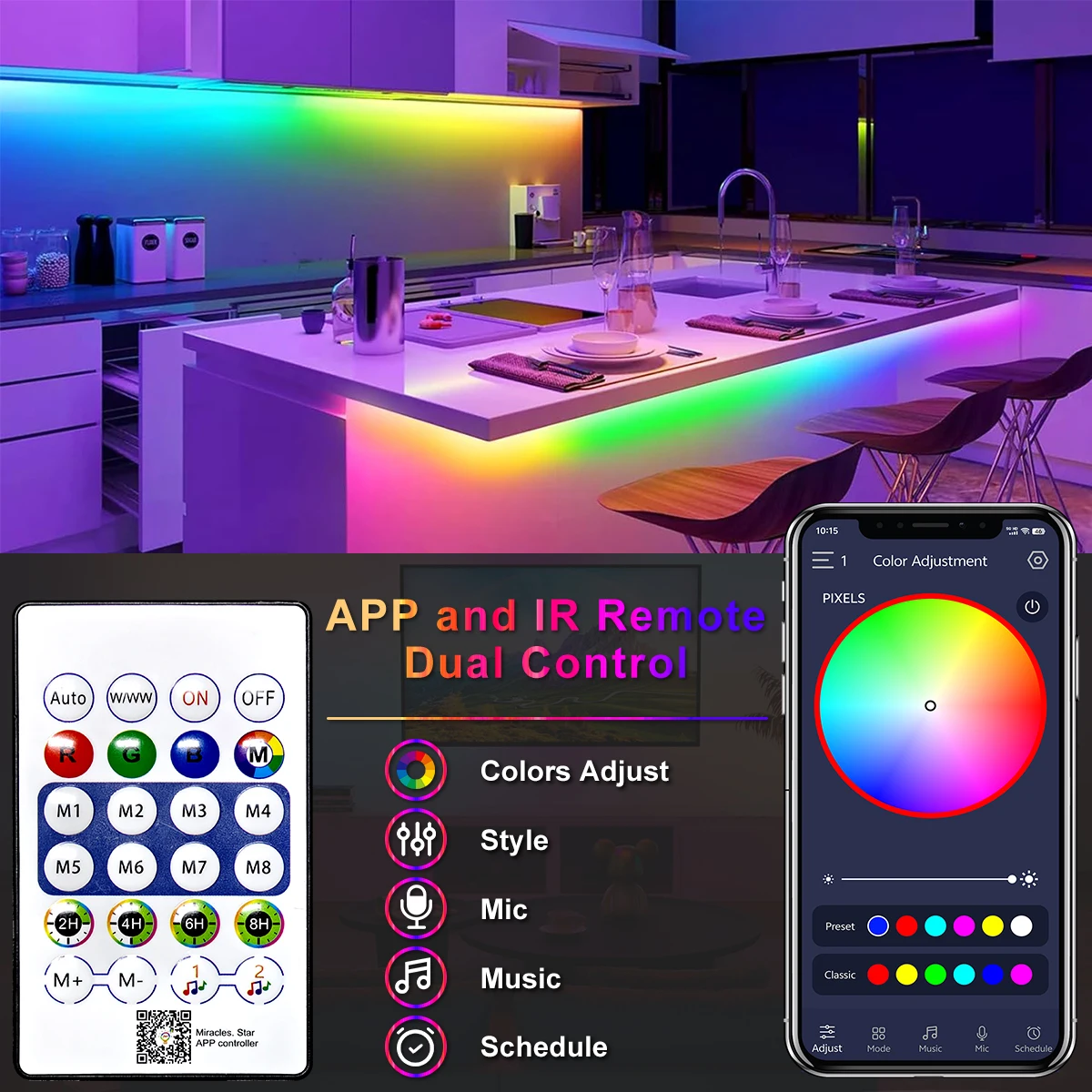
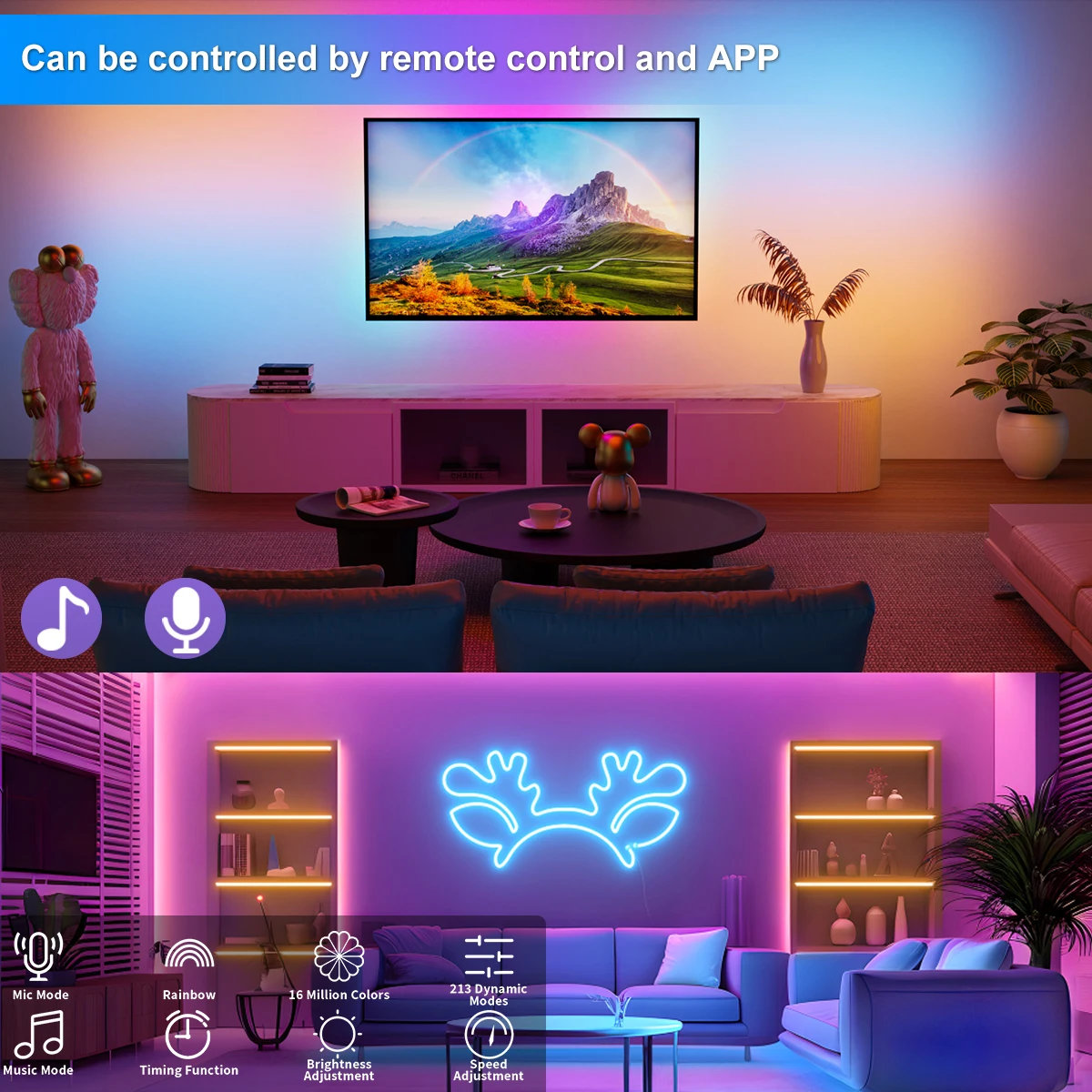
- LED Neon Strip Light 4: Bluetooth App
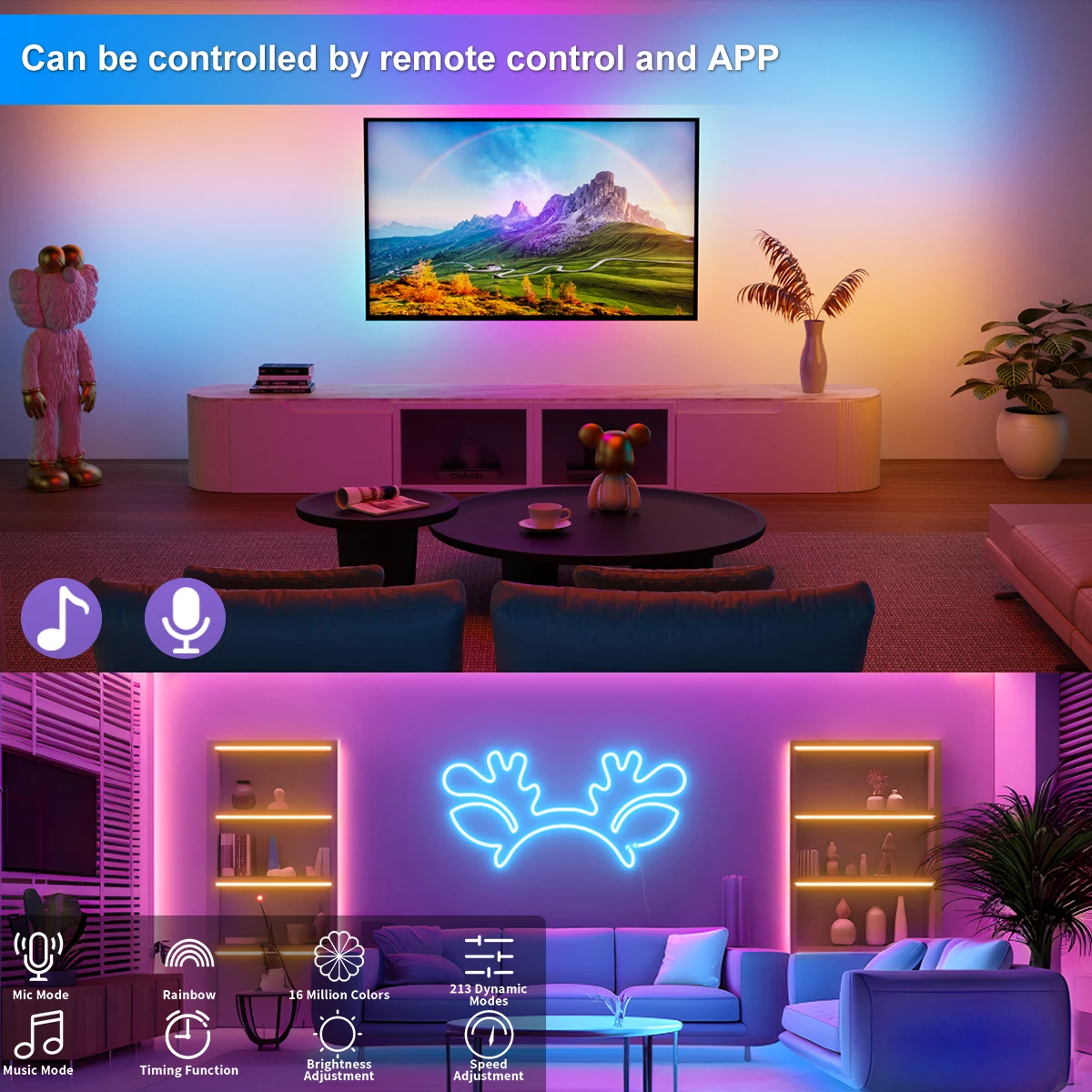
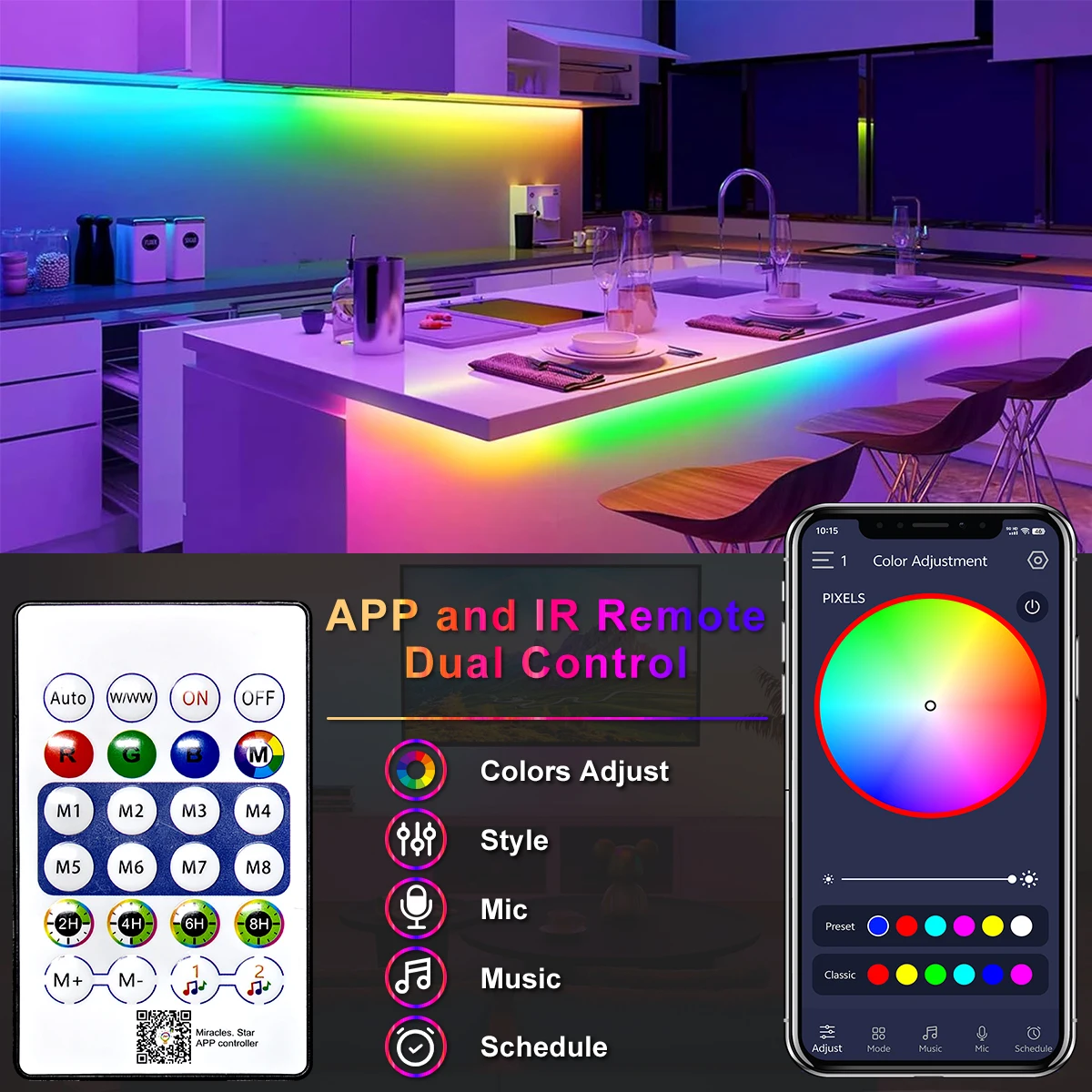
- LED Neon Strip Light 5: Remote Control
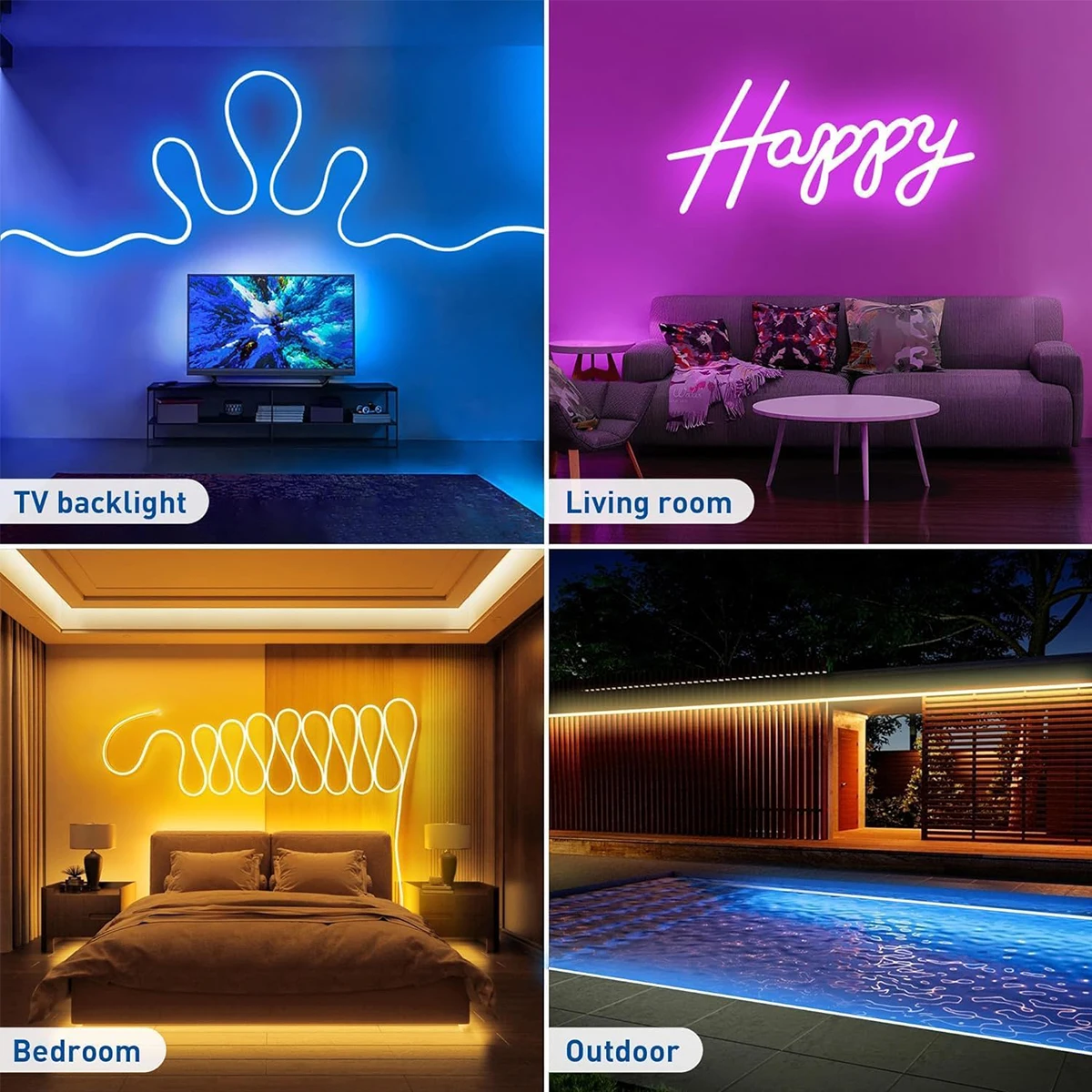
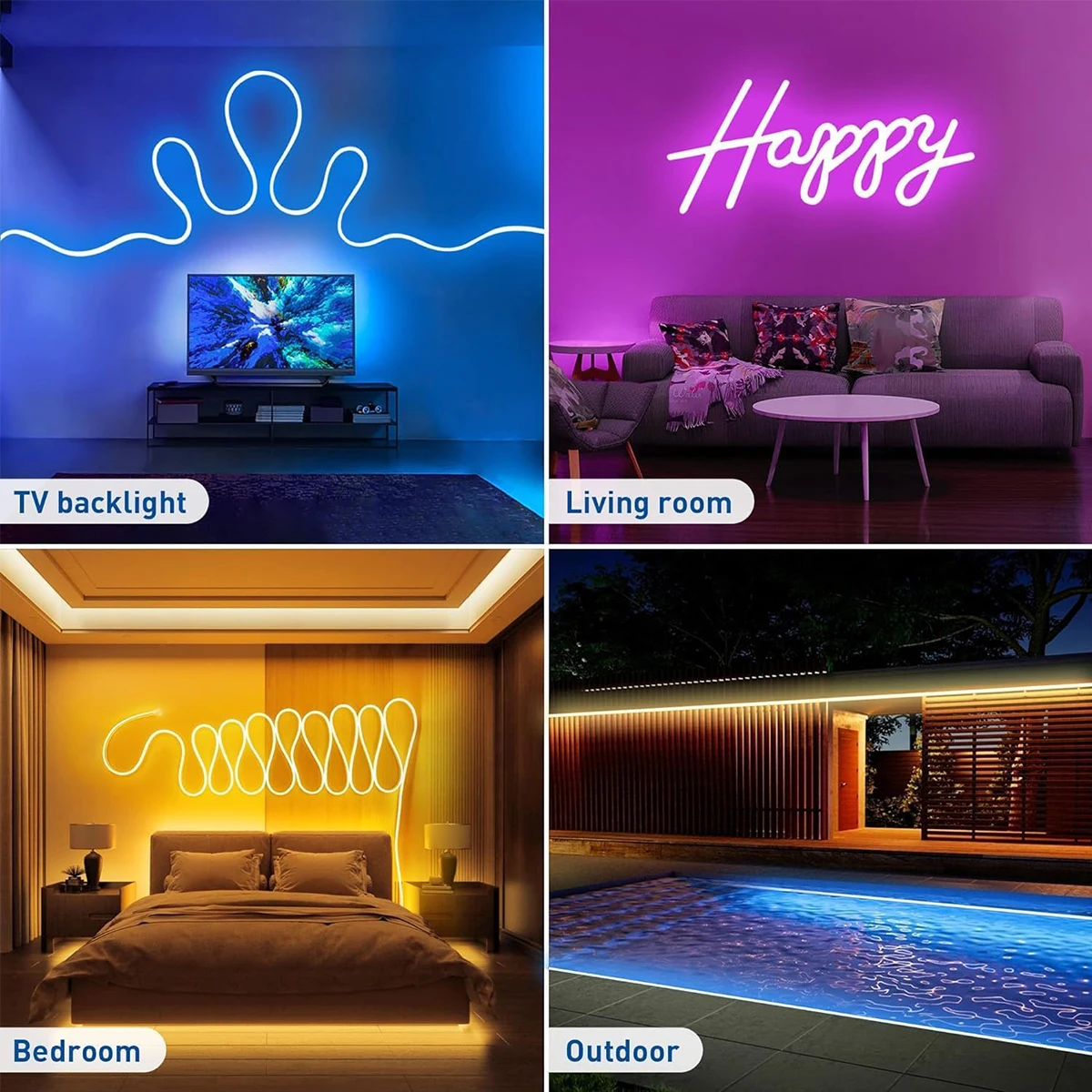
- LED Neon Strip Light 6: Home Decoration
- LED Neon Strip Light 7: Sign Neon Decoration Lighting
- LED Neon Strip Light 8: TV Home Outdoor Decor Lighting
- LED Neon Strip Light 9: Waterproof Neon Strip Light
Specification
Type: LED Neon RGBIC Strip Light
Working Voltage:DC5V
Waterproof: Yes
LED Type: SMD 2835
Strip Length: 1M/2M/3M/5M/10
Light Color: RGBIC (Dream Color)
Control Methods: Bluetooth/Remote Control
Remote Controler:CR2025(Not include battery)
Connection steps
1: Open the APP
2:Long press the controller button, the light strip will display red light and flash
3: Add a device with "+" in the upper right corner
4: Select the Lighting-Strip Lights(WI-FI)
4: Add connection to WIFI (enter password)
5: The light bar flashes normally, and then click "Next".
6: Successfully connected
【Please Note】
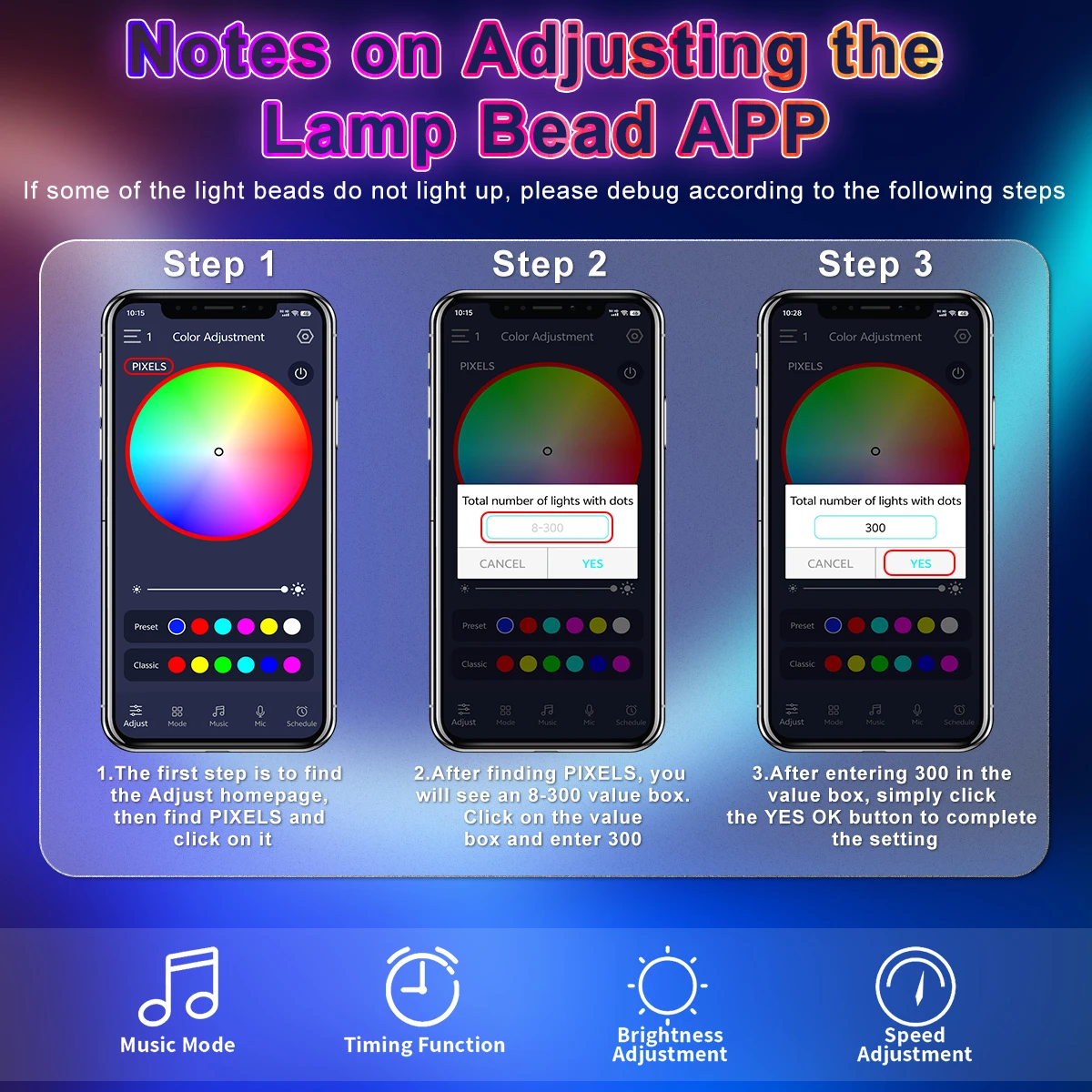
If you receive the product is part of the lamp beads do not light, please follow the steps below,It's not a product quality issue.
1.The first step is to findthe Adjust homepage,then find PlXELS andclick on it
2.After finding PlXELS, youwill see an 8-300 value box.Click on the valuebox and enter 300
3..After entering 300 in thevalue box, simply clickthe YES OK button to completethe setting




Reviews
There are no reviews yet.